One of the most common questions for anyone thinking about starting a channel or sizing up the competition is: how much does that channel make? The direct answer: you can’t see the real revenue of a YouTube channel unless the owner shares it. But you can estimate it with reasonable precision using public data. This guide explains how.
📌 Key takeaways
- YouTube doesn’t publish real creator revenue, but you can estimate it from public views and niche RPM.
- Formula: monthly views × niche RPM / 1000. RPM varies $2–$15 by niche.
- TubeKRadar (free) shows estimated monthly revenue right on every channel page.
- Use estimates for niche comparison, not as guaranteed targets — sponsorships and affiliates often weigh more than AdSense.
Why you can’t see real YouTube revenue
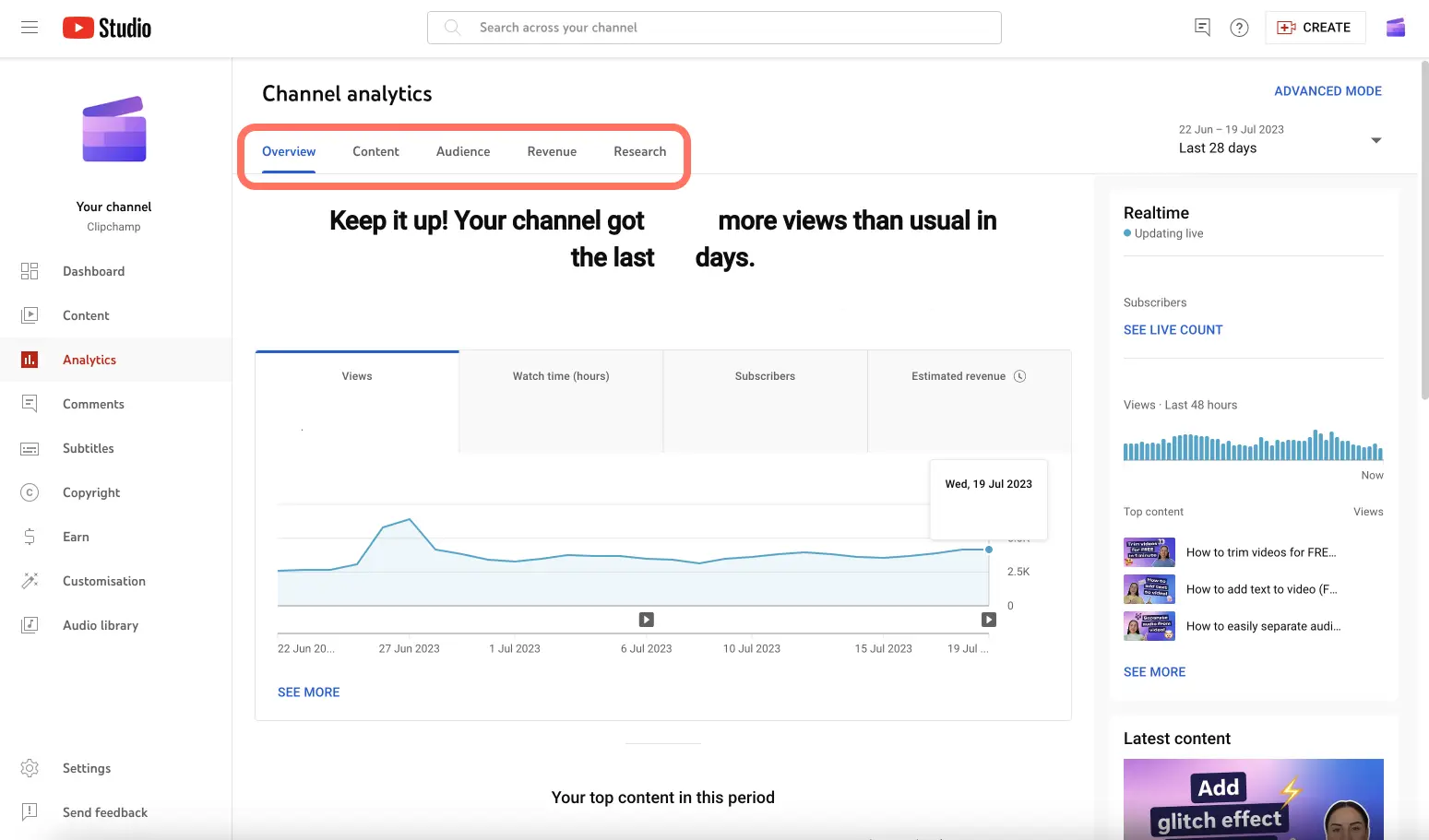
YouTube doesn’t publish creator revenue. YouTube Studio data (real RPM, AdSense earnings) is only visible to the channel owner. The policy is documented in the official YouTube Partner Program help.
What is public and usable for estimates: total channel views, subscribers, video count, individual video views. From that, you can build a reasonably precise estimate.
How estimated channel revenue is calculated
The basic formula is:
Estimated revenue ≈ (Monthly views × Estimated niche RPM) / 1000RPM (Revenue Per Mille) is what the creator receives per 1,000 monetized views. It varies a lot by niche: a finance channel can have an RPM of $10–$15, while a general entertainment channel sits at $2–$4. To estimate monthly views, you take the channel’s total views, estimate the active period, and compute the recent monthly average. If you want to dig into how CPM is distributed across niches, see YouTube niche CPM.
RPM by niche — reference values
| Finance / Investing | $10–$15 |
| AI & Tech | $8–$12 |
| Business / Entrepreneurship | $8–$12 |
| Health / Medical | $7–$10 |
| Education | $5–$9 |
| Fitness | $5–$8 |
| Cooking | $4–$7 |
| Travel | $4–$6 |
| Lifestyle | $3–$6 |
| Gaming | $2–$5 |
| General entertainment | $2–$4 |
These are reference values. Real RPM varies with audience, language, format, and seasonality (Q4 rises significantly above Q1).
Tools to estimate YouTube channel revenue
TubeKRadar (free with AutoKuak Suite)
TubeKRadar, available for free as part of the AutoKuak Suite extension, shows on any YouTube channel page a panel with estimated monthly revenue computed from the typical RPM of the detected niche and the channel’s views. You don’t have to calculate anything by hand. Open the channel on YouTube and TubeKRadar shows the estimate directly under the channel header.
It also shows the current views/day for each individual video, which lets you see whether a channel is growing or stalled in real time without waiting for an external service to update.
Social Blade
Social Blade offers revenue estimates with a min-max range. The problem is that the range is usually very wide ($1,000–$16,000/mo, for example) because it uses a standard RPM that doesn’t account for the channel’s specific niche. Useful to view subscriber and view growth history; less useful for precise revenue estimates.
YouTube calculators
Online calculators ask for subscriber or view count and return an estimate. They’re less precise because they don’t factor in the niche or the audience’s geographic distribution — two factors that can multiply or divide the result by 2x or 3x.
💡 Want to see live data on your next YouTube session? TubeKRadar is 100% free, no login, install in 30s.
How to interpret estimated revenue
Estimated revenue is useful for three things:
- Comparing channels in the same niche against each other.
- Evaluating whether a niche has monetization potential before entering.
- Understanding whether it’s worth building in that space.
What you shouldn’t do is take the estimate as a guaranteed target. Real channel revenue also depends on memberships, sponsorships, affiliate links, and own products — none of which are estimable from public data and which often weigh more than AdSense.
A more useful number than channel revenue: niche RPM
More important than knowing how much a specific channel makes is knowing the RPM of the niche you want to enter. If the RPM is $10 and you need $2,000/mo, you need 200,000 monetized views/month. With that figure you can calculate how many videos, with how many views per video, you need to ship to get there. It’s a more useful planning approach than checking how much one specific channel makes. If your niche isn’t decided yet, see how to find profitable niches and which tools to use to analyze them.
Frequently asked questions
Can I see another YouTuber’s actual revenue?
No. Real AdSense revenue is private — only the channel owner sees it in YouTube Studio. What you can see is an estimate built from public views and the typical RPM of the detected niche, which is usually accurate to within a 2x range.
Is TubeKRadar really free with no cap?
Yes. The core revenue-estimation feature on channel pages is part of the free TubeKRadar module — no daily cap, no signup wall, no card. Niche Scan and Niches Radar are separate features with their own tiers.
Where does the RPM data come from?
RPM is calibrated per detected niche from market patterns aggregated across audience, language, and seasonality. It’s not pulled from the channel’s private dashboard. Useful for comparing niches against each other; not for predicting the exact AdSense payout of a single channel.
Why are Social Blade estimates so wide?
Social Blade uses a generic RPM that doesn’t account for the niche, so the min-max range is usually $1,000–$16,000/mo or similar. TubeKRadar narrows that by applying the niche-specific RPM, producing a tighter estimate within a 2x range instead of 16x.
Does it work on YouTube Shorts?
Yes. TubeKRadar surfaces metrics on both regular videos and Shorts. RPM for Shorts is typically lower (Shorts use a separate revenue-share pool), and the panel reflects that on channels that publish primarily Shorts.
See revenue estimates directly on YouTube
AutoKuak Suite’s TubeKRadar shows estimated revenue for any YouTube channel for free, directly on the channel page. No signup, no tab switching, no pasting URLs into an external tool.