








New TubeKRadar 1.2.0 — AI analysis of any video, inside YouTube →

Tell it the idea. Out comes the video.

Script, voice, scenes and subtitles in an editor you can tweak down to the last frame.

Start free
Create video

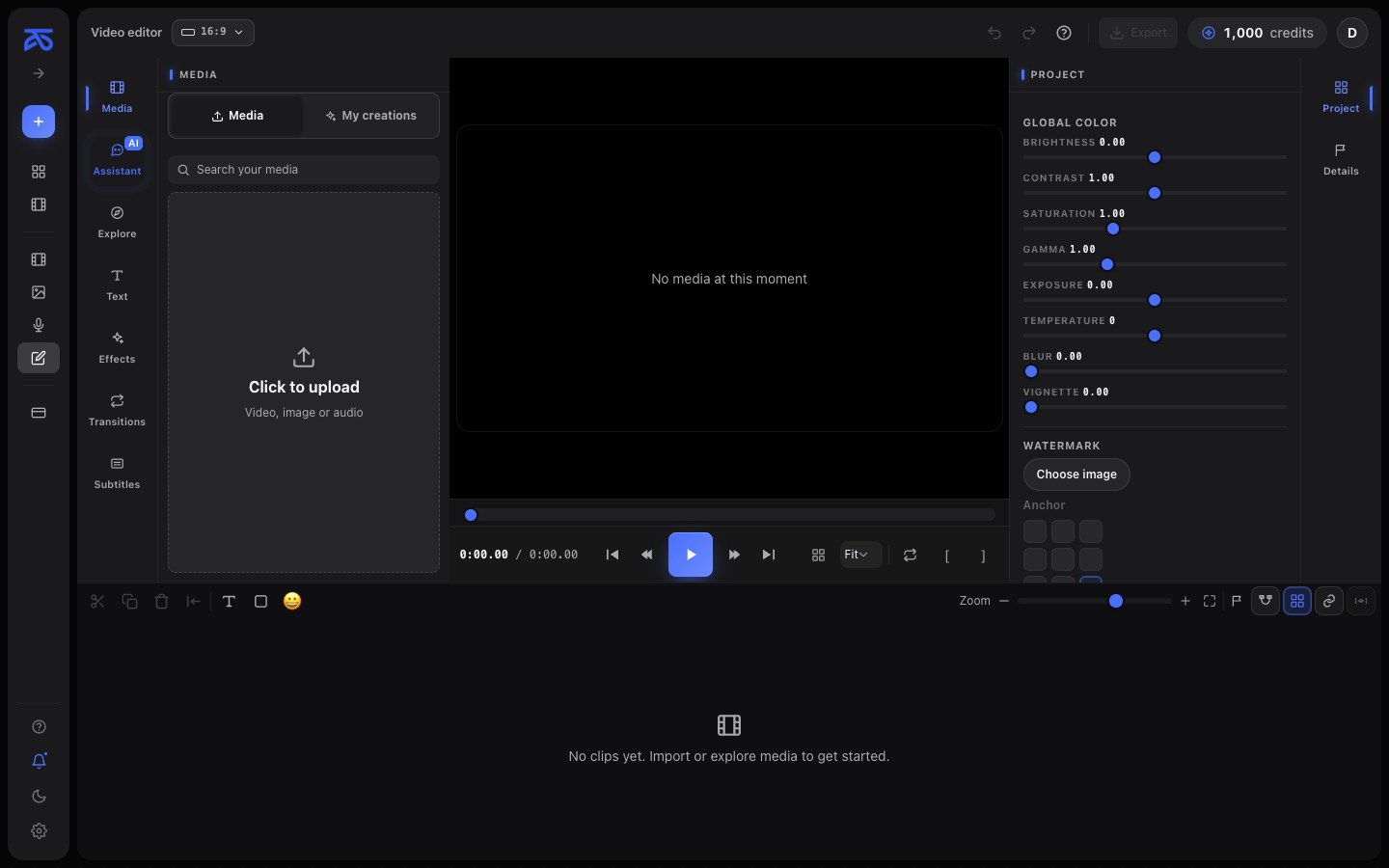
This is Studio’s real interface, right here. To do it with your own ideas you need an account.

Studio’s visual styles

Scene generated by Studio in Clay style
Clay
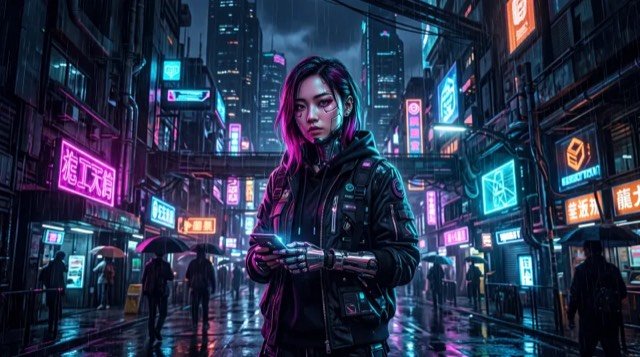
Scene generated by Studio in Cyberpunk style
Cyberpunk
Scene generated by Studio in Epic fantasy style
Epic fantasy
Scene generated by Studio in Anime style
Anime
Scene generated by Studio in B&W film style
B&W film
Scene generated by Studio in Dark manga style
Dark manga
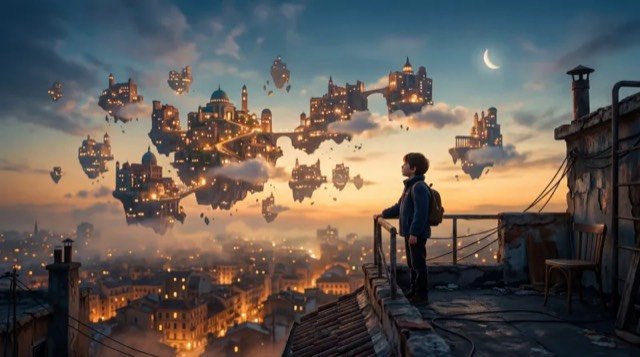
Scene generated by Studio in Dreamscape style
Dreamscape
Scene generated by Studio in Ink & watercolor style
Ink & watercolor
Scene generated by Studio in Cute cartoon style
Cute cartoon
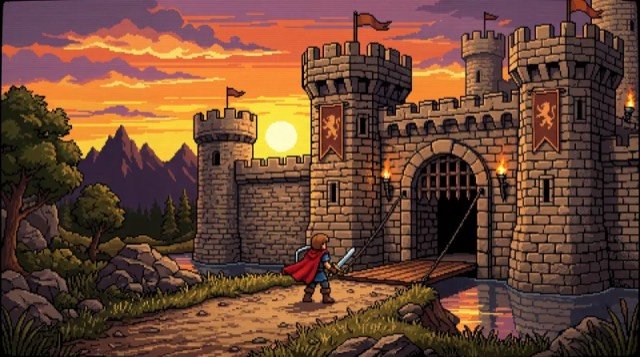
Scene generated by Studio in 90s pixel style
90s pixel
Scene generated by Studio in Fluffy 3D style
Fluffy 3D
Scene generated by Studio in Urban dream style
Urban dream
49 visual styles in Studio — real images generated by the product Try them in Studio →

Create with AI, edit by hand, or work inside another site

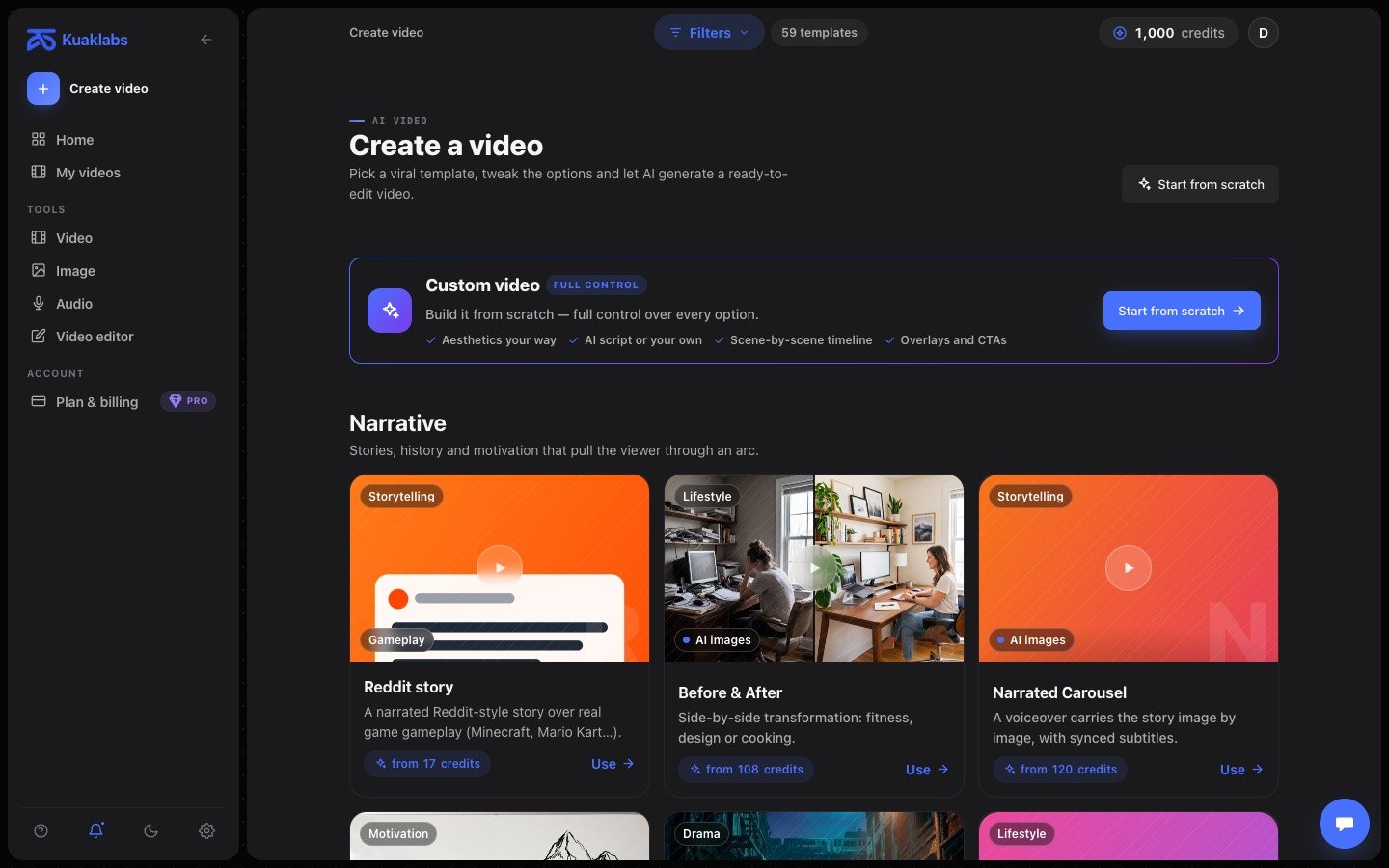
Kuak Studio’s “Create video” screen with its templates
Templates or from scratch 58 video templates, or full control option by option.
Script, voice and scenes The voice is generated line by line; the scenes share one style.
Open in the editor Nothing arrives sealed: tracks, word-by-word subtitles, export in your browser.

The script, the voice and the scenes can be changed after they are generated

The AI proposes; you decide. Nothing Studio generates is out of your reach.

Script and voice

Bring your own script or ask for one. The voice is generated line by line, so changing one sentence doesn’t mean redoing the whole video.

Script

You’ve slept badly for years.

The hour matters less than the light.

The body doesn’t switch off, it cools down.

Warm voice Narrator Energetic

Scenes in a single style

Pick the visual style once and every scene comes from the same family. If one doesn’t convince you, you generate another from the editor itself.

Scene generated in cyberpunk style
Scene generated in anime style
Cyberpunk Anime Cinematic

Word by word, not block by block

Each word lights up as it’s spoken. Change the typeface, colour and size, and translate them without losing the timing.

the body doesn’t switch off it cools down

It renders in your browser

The final video is assembled on your computer, not in a server queue. Vertical for social, and with a transparent background if you need one.

Export video
9:161:116:9
1080p1440p4K
MP4 · 1080×1920 · 30 fps Save

A timeline with video, voice, music and text tracks

Cut, move, mute, drop text on top. What you expect from an editor, with nothing to install.

  • Saves itself while you edit; there’s no button you can forget to press.
  • Cancel a half-finished generation, without leaving the project stuck.
  • Assistant that applies changes to the cut: “trim the silences”, “raise the music”.
  • From Claude if you’d rather ask in chat: Studio connects as a tool.

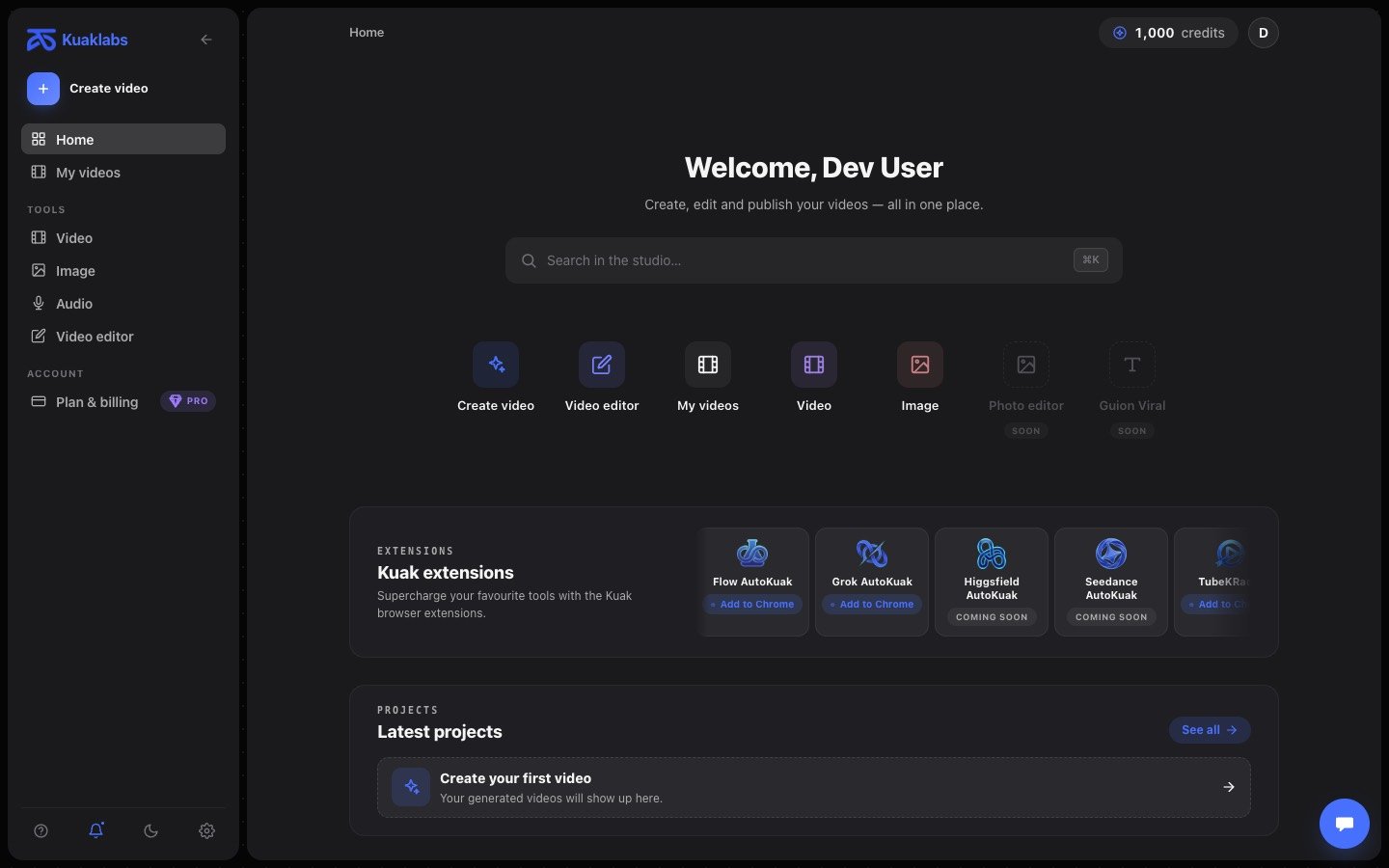
Eight Chrome extensions that work inside the site you already have open

Grok, Google Flow, ChatGPT, YouTube, Higgsfield and Dreamina, plus two local tools that need no account.

Grok AutoKuak 1.1.7
Start

Queue a list of prompts in Grok Imagine and collect the videos already downloaded.

It opens as a Chrome side panel on top of Grok Imagine. You paste the prompts, pick aspect, resolution and duration, and the extension sends them one by one, waits for each video and saves it to the folder and filename you chose.

  • Prompt queue in groups
  • Automatic download and renaming
  • Aspect, resolution and duration applied for you
grok.com/imagine v1.1.7

Editing and exporting are free; credits pay for the AI

Free

To start producing

Free

  • The full editor, with no time limit
  • Export up to 2K at 60 fps, no watermark
  • Inspector and Recorder, at no cost
Start free

Pro Max

To produce daily

$199.99every 3 months

  • 7,400 credits every month
  • Everything in Pro
  • For daily production, not the odd video

You pay right here, by card. Cancel whenever you want from your account. See the full details

Frequently asked questions

Missing something? Write to us and we’ll answer ourselves.

Ask us
Do I need a card to try it?
No. Sign in with your Google account and you’re in, on the Free plan. A card only comes up if you decide to go Pro.
Can I sign in with email and password?
Not today: Google is the only way in. Your account is created automatically the first time.
What are credits?
They’re what gets spent when the AI works: writing the script, adding the voice, generating a scene, transcribing subtitles. Editing, cutting and exporting cost nothing. Pro comes with 1,000 a month and Pro Max with 7,400, replenished monthly.
Do the credits I buy separately expire?
No. Packs are a one-off purchase and those credits aren’t wiped at the end of the month. The ones included with a plan are replenished monthly.
Can I cancel whenever I want?
Yes, from “Manage subscription” in your account. You keep Pro until the period you’ve already paid for ends, and then the account returns to Free on its own.
What if I regret the payment?
The plan activates within seconds, and by confirming the payment you accept that immediate start, which sets aside the 14-day withdrawal right. Even so, cases are reviewed one by one — duplicate charges, a fault that stopped you using what you paid for — by writing to hello@kuaklabs.com. Read the full policy
Does the video come out watermarked?
No. No plan adds a watermark: you export up to 2K at 60 fps the same on Free and Pro. What changes between plans is the AI credits, the extensions’ usage limit and how long your videos are kept.
Do the extensions require paying?
Inspector and Recorder are free. The rest work on the free plan with 30 prompts per 24 hours per tool (and 2 niche scans in TubeKRadar); Pro removes the prompt cap and raises the scans to 100.

Start on the free plan

Sign in with Google and start on the free plan. No card.