
Browsers have become the main environment for working with generative AI. ChatGPT, Grok, Gemini, Claude, Midjourney — everything runs in the browser. And wherever there are workflows in the browser, there are Chrome extensions that improve them. This guide covers the most useful AI extensions right now, organized by use case.
Key takeaways
- The most useful AI Chrome extensions in 2026 organized by use case: automation, analysis, productivity.
- AutoKuak Suite for Grok automation and real-time YouTube niche analysis.
- Monica, Merlin, Glasp, Grammarly, and Compose AI for general assistance, research, and writing.
- Minimum stack: pick 1 extension per category based on your primary use case.
Why AI extensions matter especially now
The most powerful generative AIs have web interfaces. The problem is that working with them manually is slow: copying and pasting prompts, downloading files one at a time, switching tabs constantly. Chrome extensions solve this because they live inside the browser, have access to open tabs, and can interact with AI web UIs directly — no external APIs. If you want to understand how they work technically, the official docs for Chrome extensions (Manifest V3) are at developer.chrome.com.
AI extensions for content automation
AutoKuak Suite — Grok automation and YouTube analysis
AutoKuak Suite is a specialized extension that does two things: automate prompt sending to Grok in batch, and analyze YouTube with niche intelligence in real time.
For creators using Grok to generate videos, Grok AutoKuak kills the manual work of pasting prompts one by one. Set the range, the timers, and let the extension work. The downloads module collects every file automatically afterward.
For YouTube analysts and creators hunting niches, TubeKRadar shows views/day, estimated revenue, CPM, and opportunity signals on top of every video in the feed. The Niche Scan module runs active feed analysis and flags niches that are exploding in real time (Free 2 scans per 24 h with a Google account · Pro 100 per 24 h).
Plan:Free with 30 items per run on Grok AutoKuak. TubeKRadar is fully free. Pro from $10.00/mo removes the cap and adds Niche Scan.
Monica — General AI assistant in the browser
Monica plugs multiple AI models (GPT-4, Claude, Gemini) into a sidebar you can open from any tab. Useful for summarizing pages, translating, drafting, and answering questions about content you’re currently looking at. Free plan with daily-use caps; paid plans for heavy use.
Merlin — AI on any web page
Merlin offers access to multiple AI models from any page. Especially useful for summarizing long articles or asking questions about a page’s content without copy-pasting. Similar functionality to Monica with a slightly more research-oriented angle.
AI extensions for analysis and research
TubeKRadar (part of AutoKuak Suite) — Real-time YouTube analysis
As a YouTube analysis tool, TubeKRadar is free and surfaces data that usually requires paid tools: video and channel stats, niche-estimated CPM, auto-detected category and subniche, and opportunity signals right in the YouTube feed. It doesn’t open a new tab — it integrates into the YouTube UI as you browse. If you’re curious about how the revenue estimates are calculated, I cover it in how to see YouTube channel revenue.
Glasp — AI-powered web highlighting and synthesis
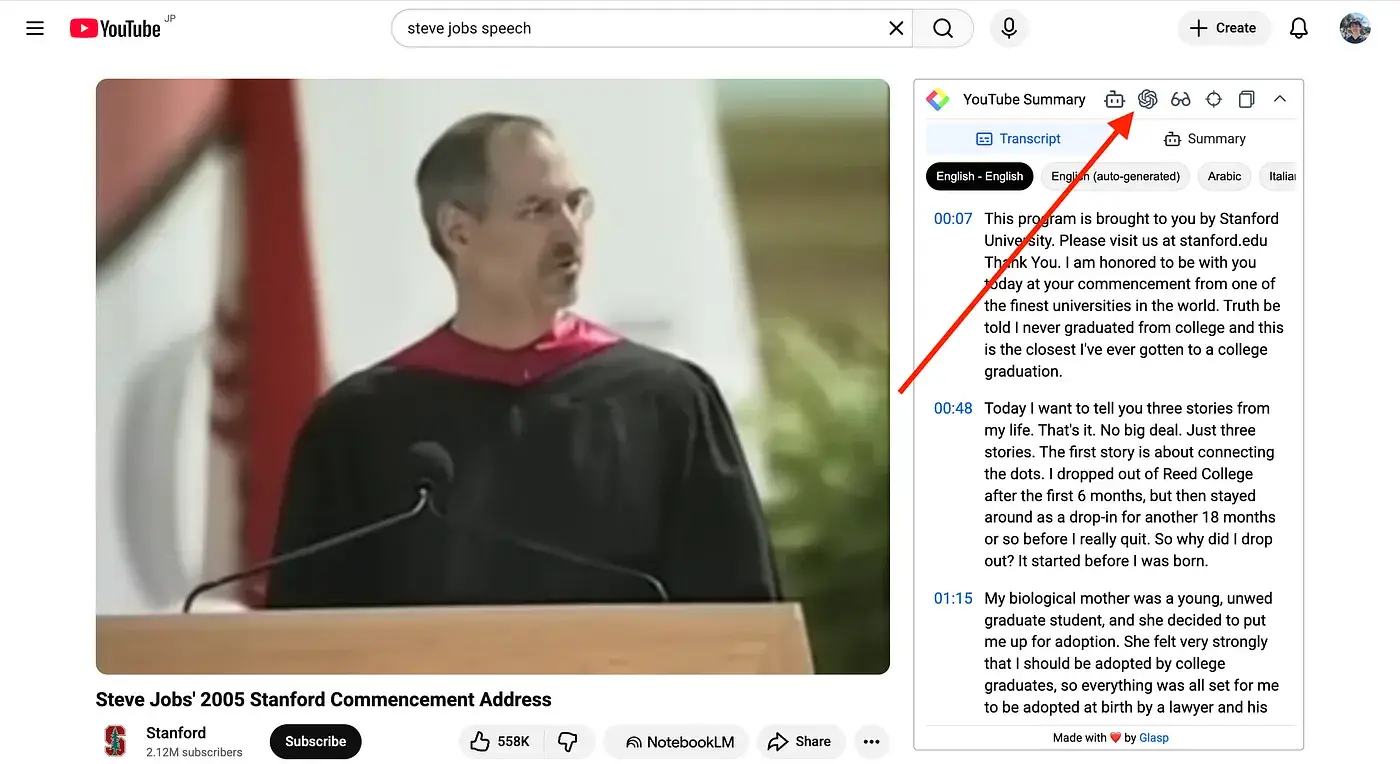
Glasp lets you highlight fragments of web pages, YouTube videos, and documents, and organize them with tags. Its AI generates summaries from your accumulated notes. Useful for research, documentation, and building personal knowledge bases.
Curious about the full Suite?AutoKuak Suite bundles 4 Chrome extensions with a generous Free plan. See the modules.
AI extensions for productivity and writing
Grammarly — Text correction and improvement
Grammarly is still the most popular text-correction extension. The AI version (GrammarlyGO) generates text, rewrites paragraphs, and adapts tone from any text field in Chrome. Free plan with basic correction; paid plans for advanced rewriting.
Compose AI — Smart autocomplete on any web page
Compose AI adds AI-powered autocomplete to any text field in the browser. Especially useful for emails, collaborative docs, and forms.
How to pick the right AI extension
The decision depends on your main use case:
- If you create content with Grok and want to automate batches: AutoKuak Suite.
- If you analyze YouTube to find niches: TubeKRadar (free, no cap) or Niche Scan (Free 2 per 24 h signed in · Pro 100 per 24 h).
- If you need a general AI assistant in the browser: Monica or Merlin.
- If you write a lot in the browser: Grammarly or Compose AI.
Most have free plans to try. The sensible strategy is to start with one based on your primary use case and add others as needs emerge.
Quick summary
| Extension | Use case | Plan |
|---|---|---|
| AutoKuak Suite | Automate Grok + YouTube analysis | Free / Pro |
| Monica | Multi-model AI assistant in sidebar | Free with caps |
| Merlin | AI on any web page | Free with caps |
| Glasp | Research and content synthesis | Free |
| Grammarly | AI correction and rewriting | Freemium |
| Compose AI | AI autocomplete in any field | Free |
If your use case is making content with Grok or analyzing YouTube niches, AutoKuak Suite is the most specific tool for it. TubeKRadar is fully free and installs in under a minute. If you later decide you want to go further with active niche analysis, the Pro plans start at $10.00/mo.
Frequently asked questions
What are the best free AI Chrome extensions?
For content creators: AutoKuak Suite (Grok automation + TubeKRadar YouTube analysis, fully free in their core modules). For general AI assistance: Monica and Merlin both ship usable free tiers. For writing: Grammarly Free covers grammar and basic rewriting, Compose AI handles autocomplete.
Do AI Chrome extensions steal my data?
It depends on each extension’s permissions and privacy policy. Reputable extensions on the Chrome Web Store declare their permissions in the manifest. AutoKuak Suite operates locally on the open tab without sending content to external servers; tools that send your text to an LLM API will, by definition, transmit that text. Read the privacy policy before installing anything that handles sensitive data.
Does Chrome slow down with many AI extensions installed?
Yes, if you install 15+ extensions running in the background. The right approach is a minimal stack: 1 extension per use case. Disable extensions you don’t actively use — Chrome lets you toggle them without uninstalling.
Which AI extensions convert best for content creators?
For specialized creator workflows (Grok automation, YouTube niche research), AutoKuak Suite is purpose-built and replaces 2–3 generic tools. For everyday assistance across any site, Monica or Merlin cover the broadest range. Combining one specialized tool + one generalist is usually the highest-leverage stack.