
Make TikTok videos with AI, from start to finish
Kuak Studio generates the whole vertical video — script, voice, scenes and captions — and leaves it open in an editor inside your browser. Whatever the AI proposes can be changed line by line.
The problem is not generating, it is finishing
Generating a video with AI is easy: there are dozens of places where you type something and get a result. The jam comes afterwards, when a line of the script does not say what you meant, a scene does not fit, a caption covers a face or the voice needs changing. In almost all of them, that means starting over.
And TikTok punishes exactly that: the first three seconds and whether the video gets watched to the end. You need to be able to retouch the hook, cut what does not work and export again in a minute, not redo the batch.
How it is done with Kuak
-
Pick vertical format and a style
Studio works in 9:16, 1:1 and 16:9; for TikTok, 9:16. The visual style is picked in the gallery and applies to every scene in the video.
-
Bring your script or ask for one
Each line of the script is a scene. If the AI writes it, it comes out as text to be read aloud: no stage directions, no hashtags and no emoji, which is what a voice needs.
-
Voice and captions, in sync
There are six voices and the narration is generated line by line, so changing one sentence does not mean redoing the whole video. The captions come from the voice itself and can be shown word by word.
-
Tune the hook and export
In the editor you trim silences, move the text, add music and swap the scene that does not convince you. It exports up to 2K at 60 fps, with no watermark on any plan.
The facts, plainly
- Format
- Vertical 9:16, plus 1:1 and 16:9
- Export
- Up to 2K at 60 fps, the same on every plan and with no watermark
- Where you edit
- In the browser. There is nothing to install
- Publishing kit
- Title, caption, hashtags and checklist for TikTok, taken from the real video
What you use
Frequently asked questions
Does Kuak post the video to TikTok for me?
Do the videos come out watermarked?
Can I use my own voice or my own footage?
How long until the first video?
Styles that suit this
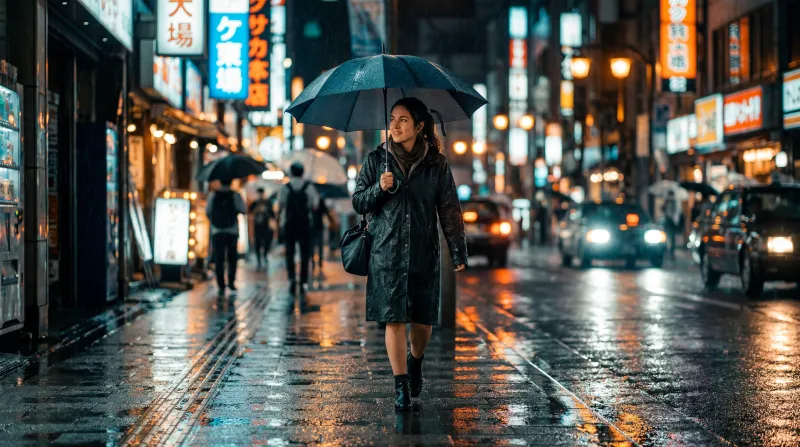
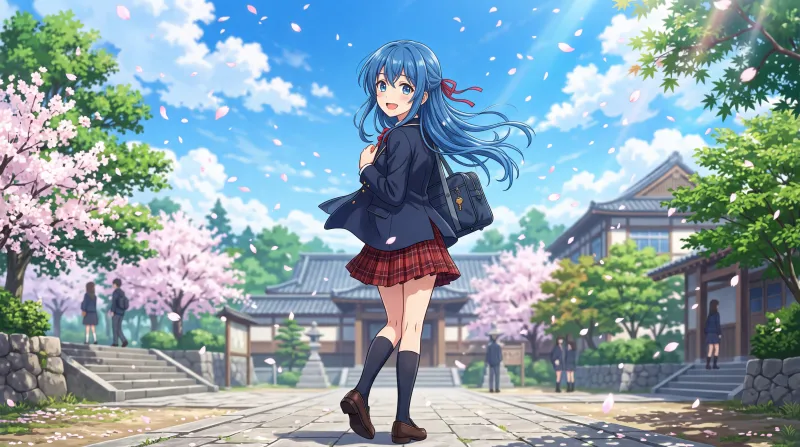
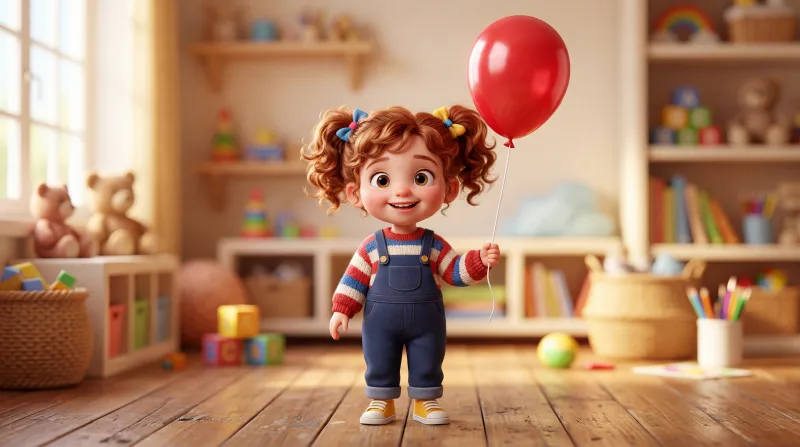
The style is picked before generating and rules every scene in the video.
Start on the free plan
Sign in with Google and start on the free plan. No card.