
Faceless AI videos, with no camera and no voice of yours
A faceless video is a video with nobody in front of the camera: narration over visuals. Kuak Studio generates both and leaves the result open for you to fine-tune.
The hard part is not staying off camera: it is keeping it up
Recording the voice, hunting for footage that fits, checking the licence of every clip and editing: that is a hand-made faceless video, and it takes hours. That is why most channels that start this way stop at the tenth video.
And there is a problem nobody mentions: stock footage repeats. When five channels use the same ten clips, the video looks like everyone’s and no one’s. Generating the scenes solves that — as long as you can swap the one that does not fit.
How it is done with Kuak
-
Pick the topic and the visual style
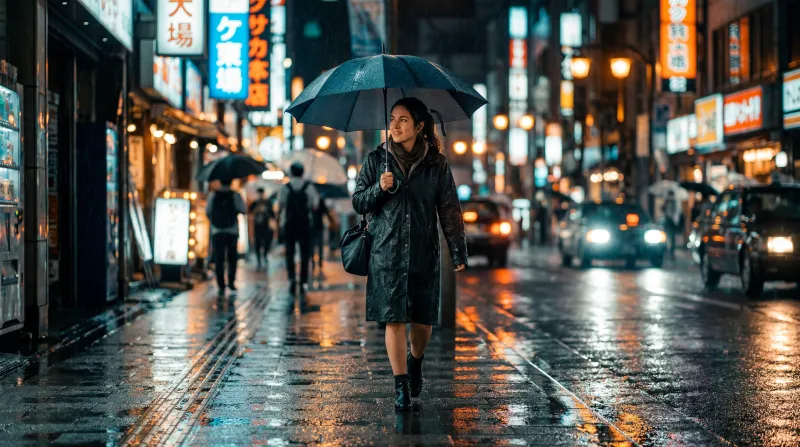
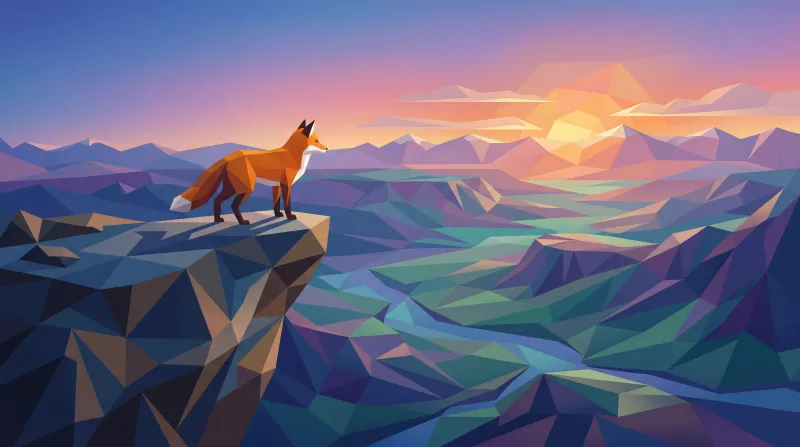
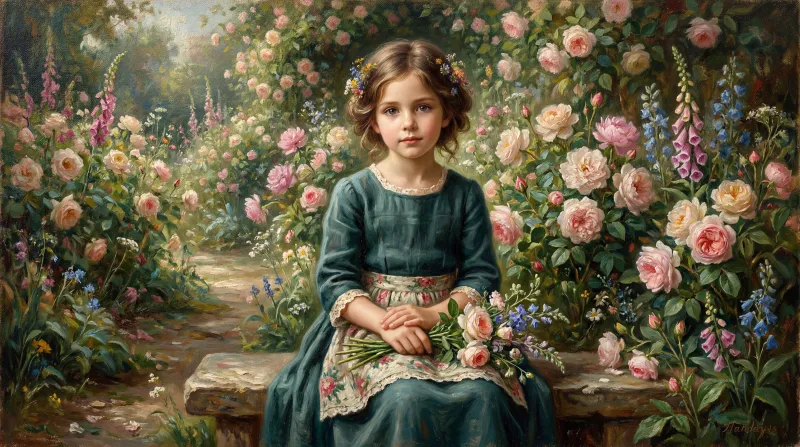
The style is picked once and rules every scene in the video, so the whole series looks like itself. There are 49 to choose from, and the twelve most used are explained one by one.
-
Write or ask for the script
Each line is a scene. If the AI writes it, it comes out as text to be read aloud: no stage directions, no hashtags and no emoji. And you can rewrite all of it before anything is generated.
-
The narration, line by line
Six voices, generated per line: changing one sentence does not mean redoing the whole audio. The captions come from that same voice, so they stay in sync and can be shown word by word.
-
Swap what does not fit and export
Each scene is independent: regenerate the one that fails without touching the rest, or replace it with an image or a clip of your own. Export up to 2K at 60 fps, with no watermark on any plan.
The facts, plainly
- Voices
- Six, and you can use a different one on each line of the script
- Visuals
- Generated scene by scene in one of the 49 styles, not stock footage
- Text inside the image
- None, on purpose: titles go on editor layers
- Where it is assembled
- In an editor inside the browser, with nothing to install
What you use
Frequently asked questions
Can a faceless channel made with AI be monetised?
Do the generated visuals have rights problems?
Can I use my own voice instead of the AI one?
How do I make the series look like it is from one channel?
Styles that suit this
The style is picked before generating and rules every scene in the video.
Start on the free plan
Sign in with Google and start on the free plan. No card.