
49 visual styles for your AI videos
Every video Kuak Studio makes is drawn entirely in one of these styles. You pick it in the gallery before generating and it applies to every scene: you never write it into the script or repeat it line by line.
Twelve styles, explained one by one
What each one looks like, the kind of video it suits and what to know before you pick it.
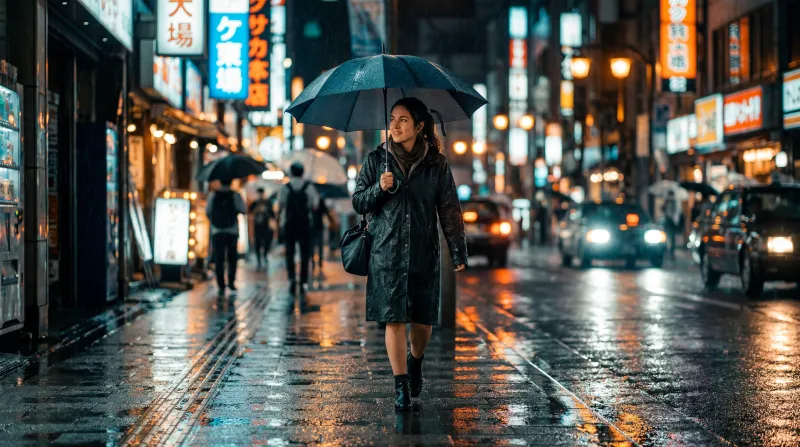 Realistic Film
Cinematic photorealism, warm film light
Realistic Film
Cinematic photorealism, warm film light
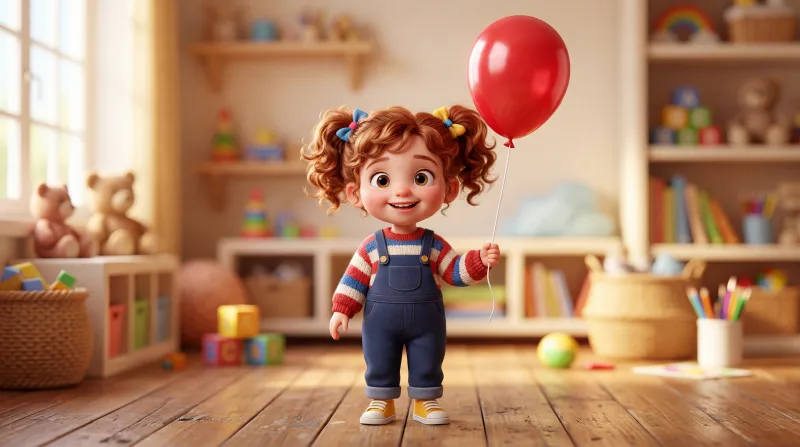 Cartoon 3D
Animated 3D render, big expressive eyes
Cartoon 3D
Animated 3D render, big expressive eyes
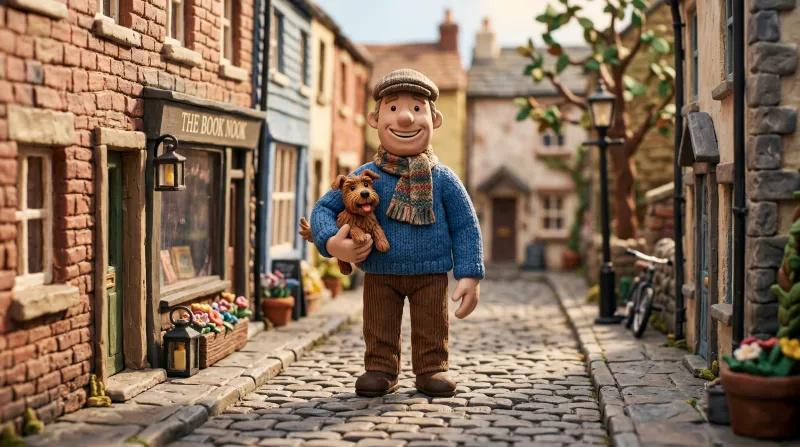 Claymation
Hand-modelled plasticine stop motion
Claymation
Hand-modelled plasticine stop motion
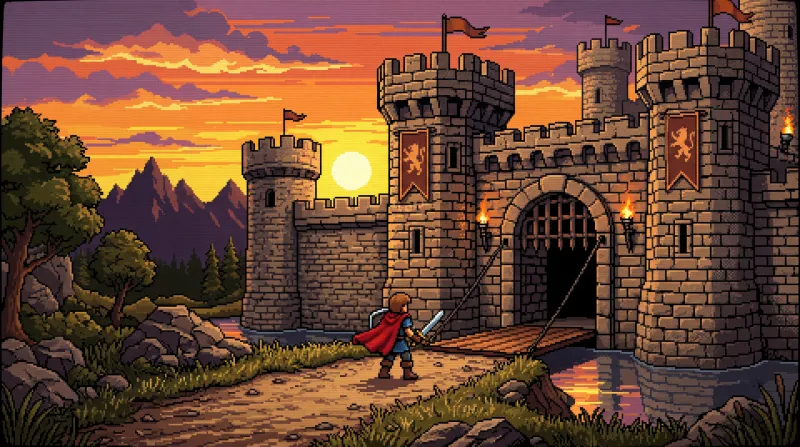 90s Pixel
Retro videogame pixel art
90s Pixel
Retro videogame pixel art
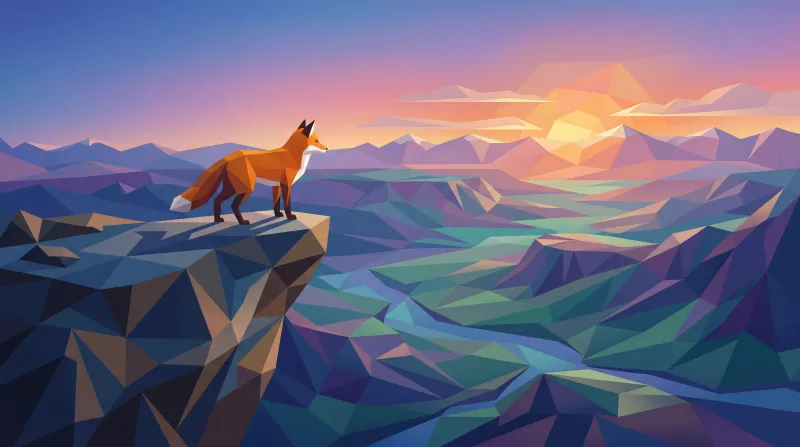 Low Poly
Faceted low-polygon 3D
Low Poly
Faceted low-polygon 3D
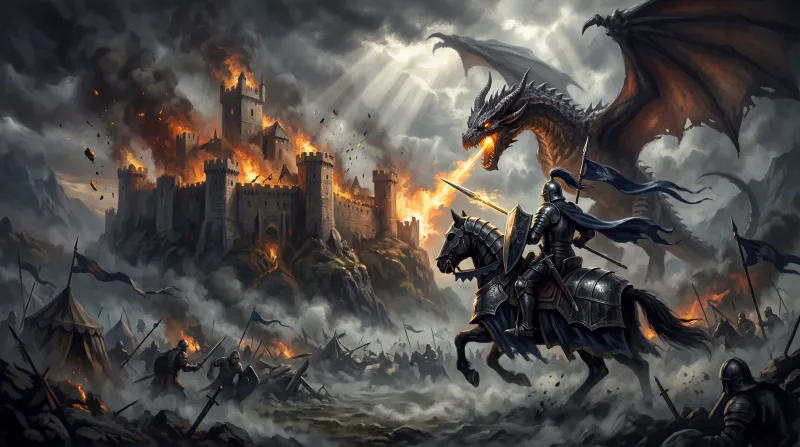 Epic Fantasy
Dark medieval fantasy: knights, castles, dragons
Epic Fantasy
Dark medieval fantasy: knights, castles, dragons
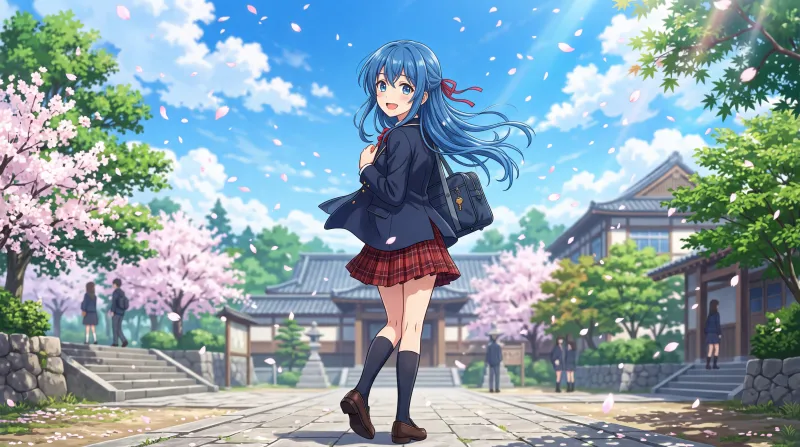 Anime
Modern Japanese anime
Anime
Modern Japanese anime
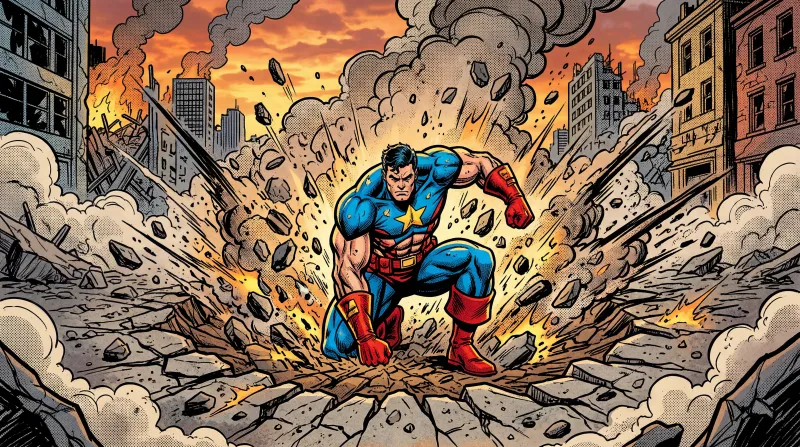 US Comic
US superhero comic
US Comic
US superhero comic
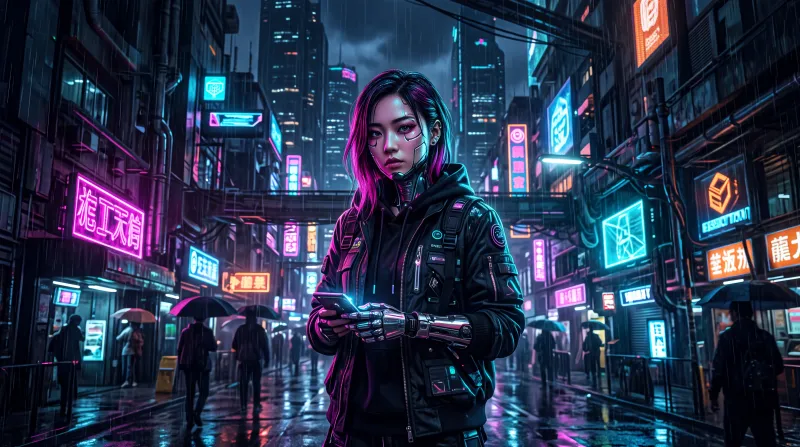 Cyberpunk
Pink and cyan neon, futuristic city
Cyberpunk
Pink and cyan neon, futuristic city
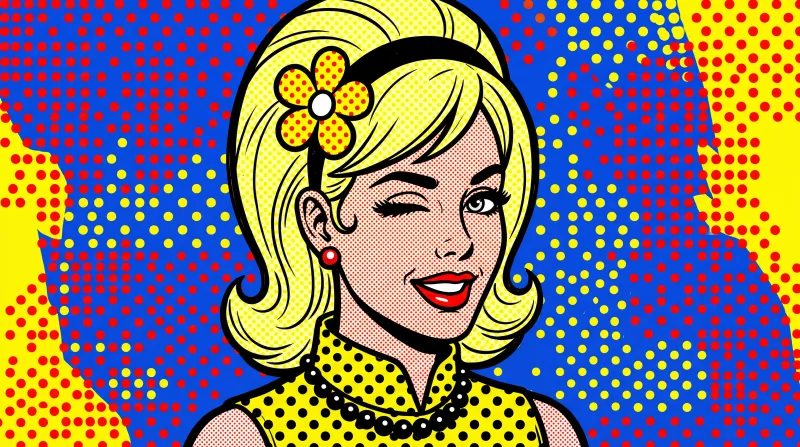 Pop Art
1960s pop art, Ben-Day dots
Pop Art
1960s pop art, Ben-Day dots
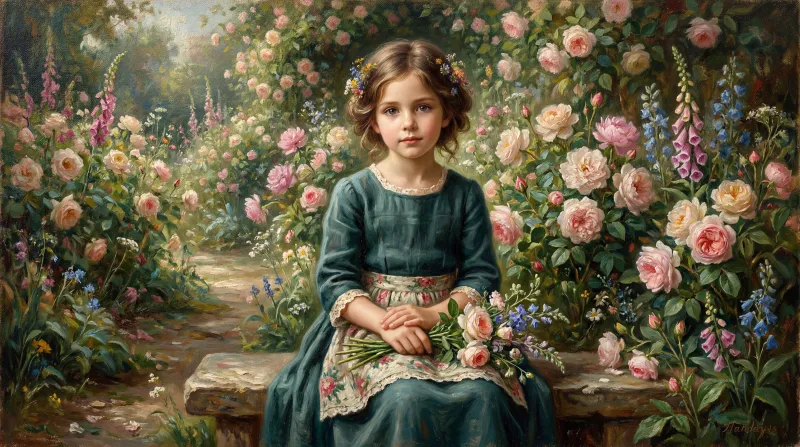 Oil painting
Classic oil painting with impasto
Oil painting
Classic oil painting with impasto
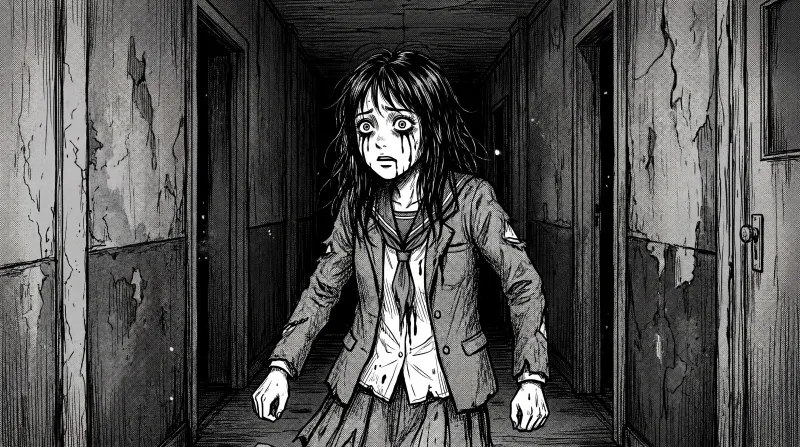 Dark Manga
Black-and-white horror manga
Dark Manga
Black-and-white horror manga
How a style is used
-
Pick the style before generating
When you create a video, Kuak Studio shows a gallery of 58 video templates: nine formats of its own and the 49 visual styles. You pick one and it applies to every scene in the video.
-
Write the script, or ask for one
Each line of the script is a scene. That is where you describe what is seen — who is in it, where, and what happens — never the style: the template already handles that.
-
Studio generates voice, images and captions
The voice is generated line by line and the images scene by scene, all in the same style. The captions come from the voice itself, so they stay in sync.
-
You finish it in the editor
Change a sentence, regenerate only the scene that does not convince you, move the text, add music and export. The editor runs inside your browser and there is nothing to install.
All 49 styles, in gallery order
The same order you see inside Studio. Every image was generated by the product in the style it illustrates.
-
Realistic Film
Cinematic photorealism, warm film light
-
Cartoon 3D
Animated 3D render, big expressive eyes
-
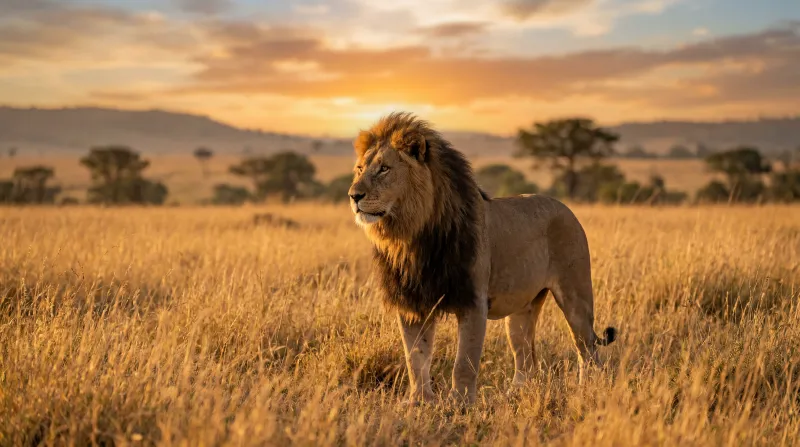 Photograph
Natural, true-to-life photography (wildlife, travel)
Photograph
Natural, true-to-life photography (wildlife, travel)
-
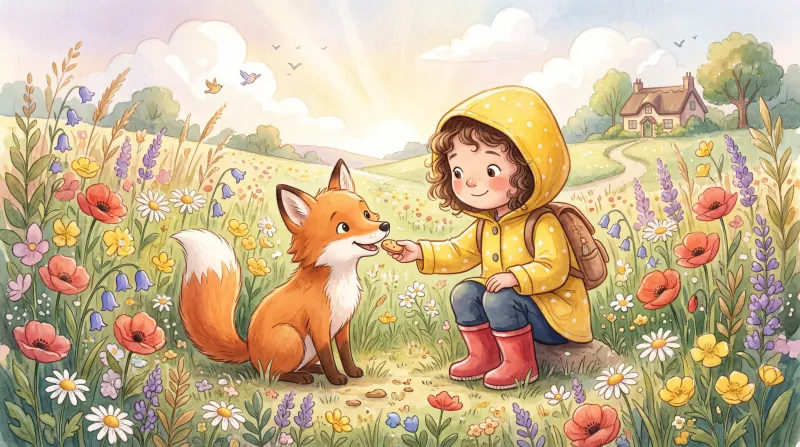 Whimsical
Soft, whimsical children’s illustration
Whimsical
Soft, whimsical children’s illustration
-
 Felt Dolls
Fluffy felt and wool dioramas
Felt Dolls
Fluffy felt and wool dioramas
-
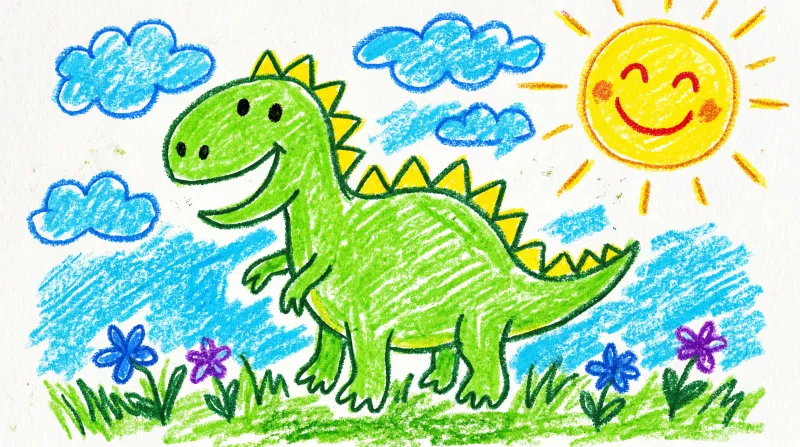 Crayon
Children’s crayon drawing, thick strokes
Crayon
Children’s crayon drawing, thick strokes
-
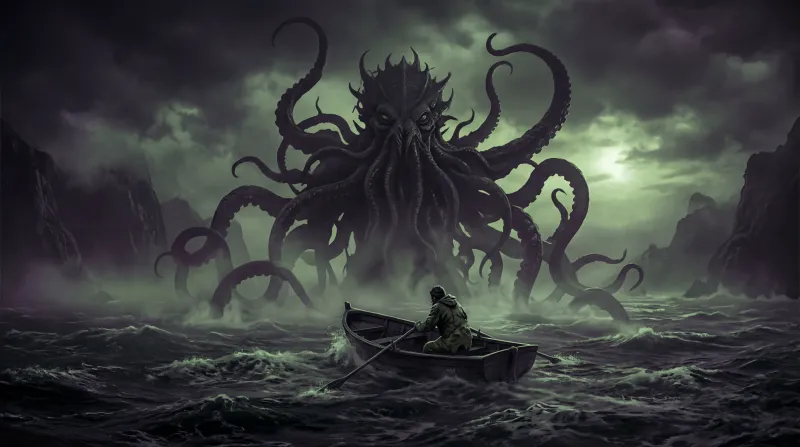 Lovecraftian Horror
Cosmic horror, voids and tentacles
Lovecraftian Horror
Cosmic horror, voids and tentacles
-
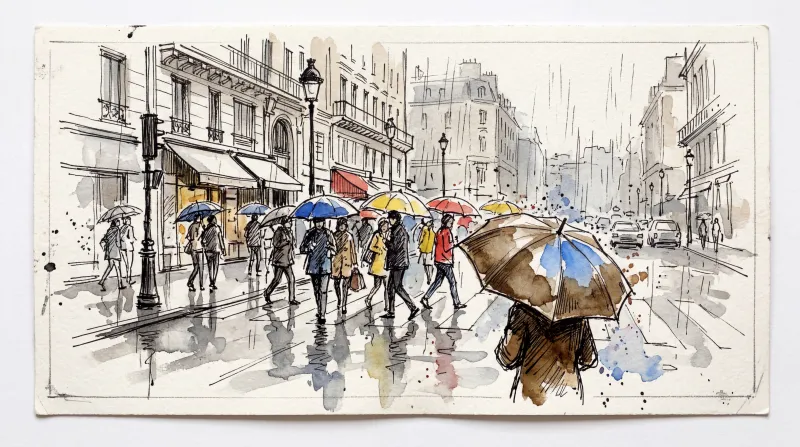 Urban Sketching
Street sketching in ink and watercolour
Urban Sketching
Street sketching in ink and watercolour
-
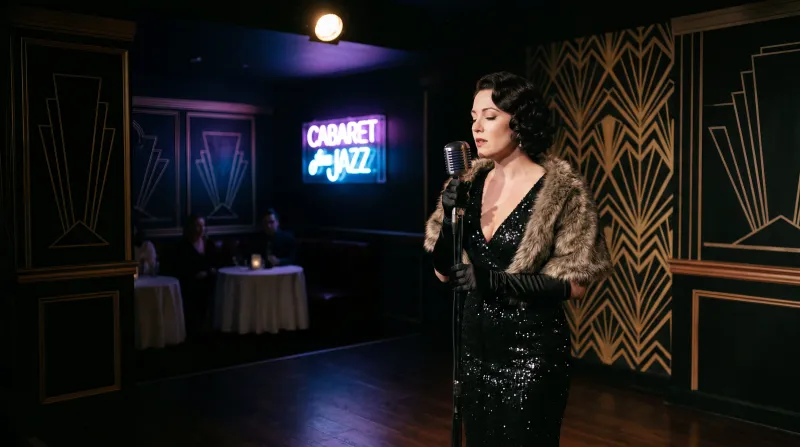 Dark Deco
Noir Art Deco with neon
Dark Deco
Noir Art Deco with neon
-
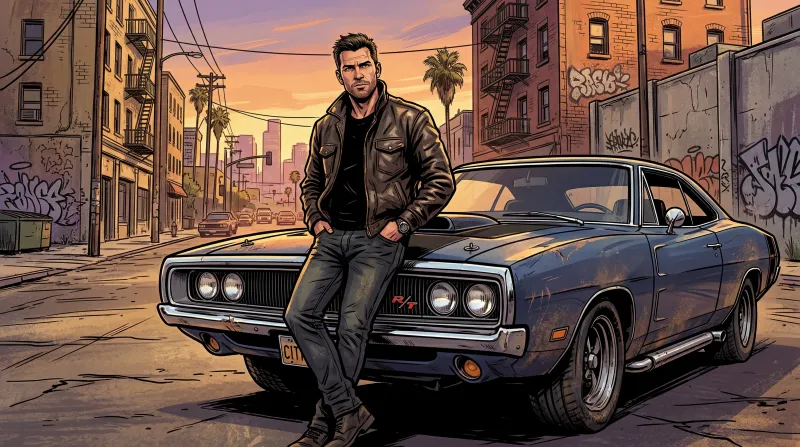 Open-World Game
Loading-screen art from an urban open-world game
Open-World Game
Loading-screen art from an urban open-world game
-
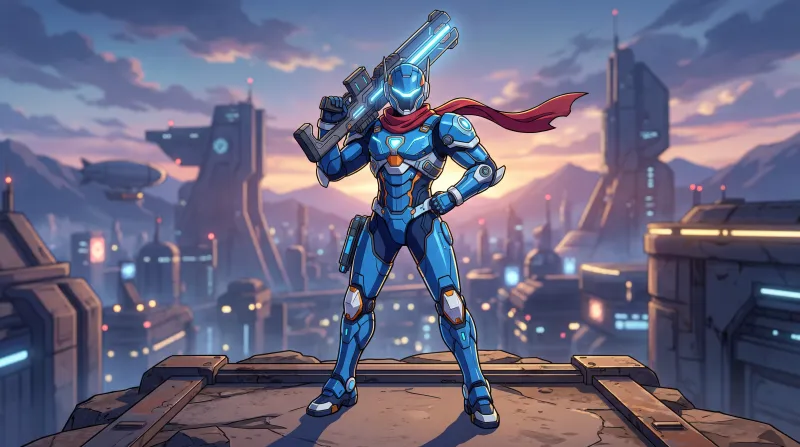 Toon Shader
3D cel shading with a mecha-anime finish
Toon Shader
3D cel shading with a mecha-anime finish
-
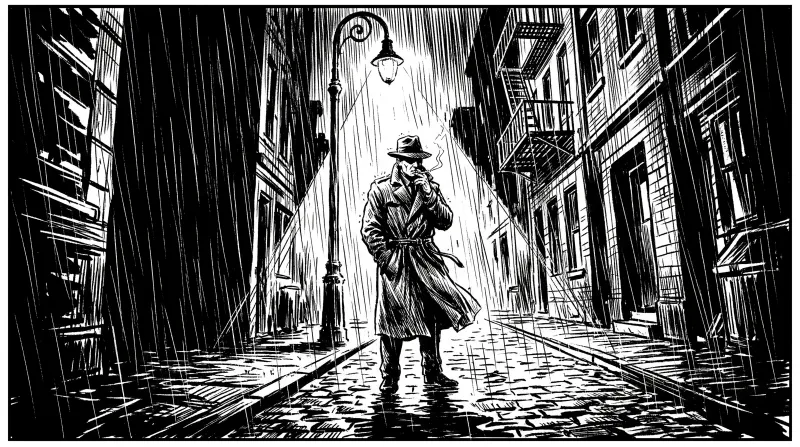 Noir Comic
High-contrast black-and-white comic
Noir Comic
High-contrast black-and-white comic
-
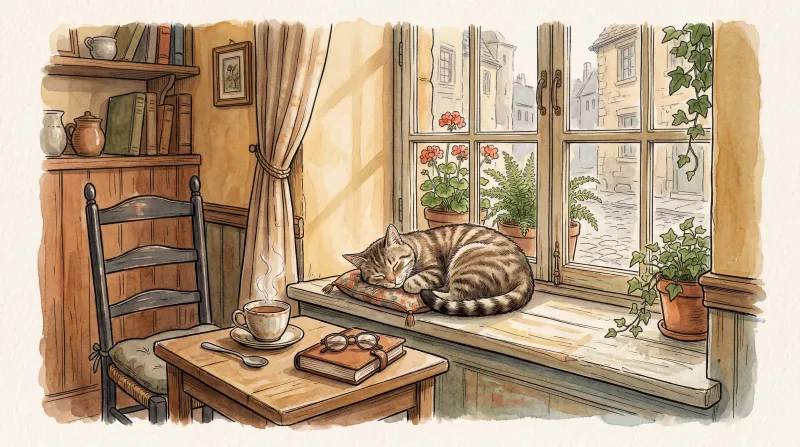 Ink Watercolor
Warm watercolour over ink linework
Ink Watercolor
Warm watercolour over ink linework
-
 Modern Realism
Clean, modern editorial photography
Modern Realism
Clean, modern editorial photography
-
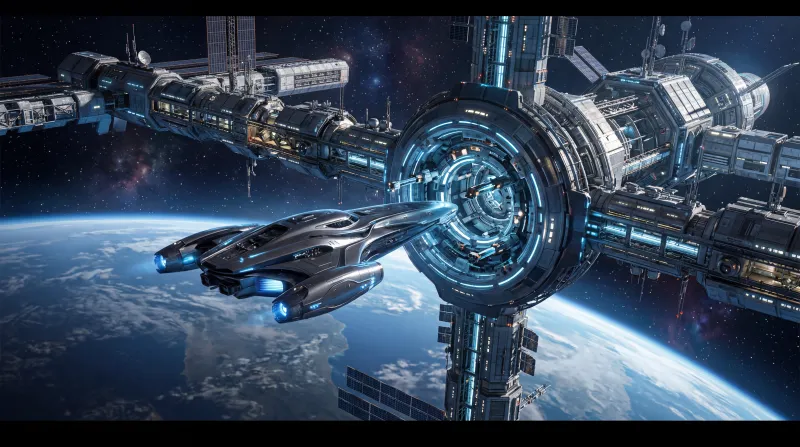 Futuristic
Sci-fi ships and cold blue metal
Futuristic
Sci-fi ships and cold blue metal
-
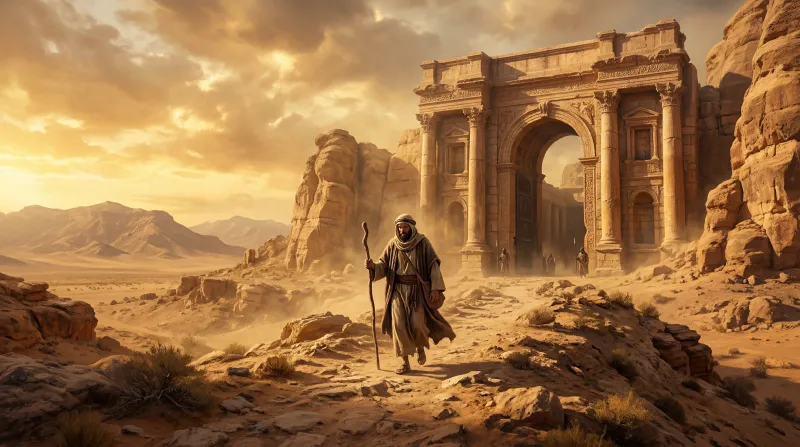 Biblical
Ancient Near-Eastern epic
Biblical
Ancient Near-Eastern epic
-
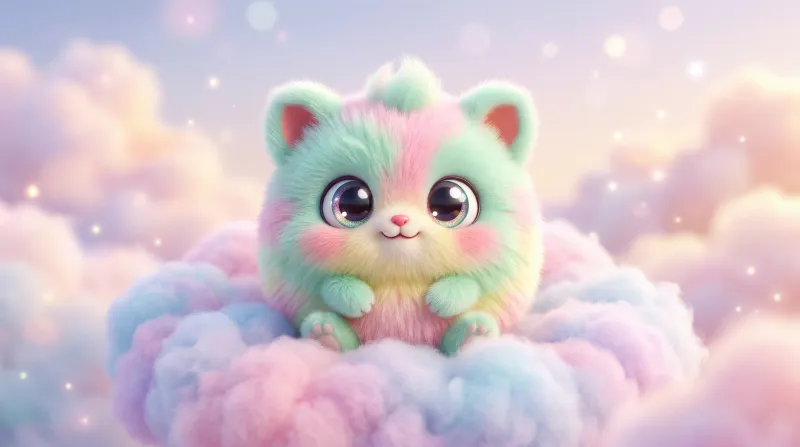 Fluffy 3D
Adorable fuzzy 3D characters
Fluffy 3D
Adorable fuzzy 3D characters
-
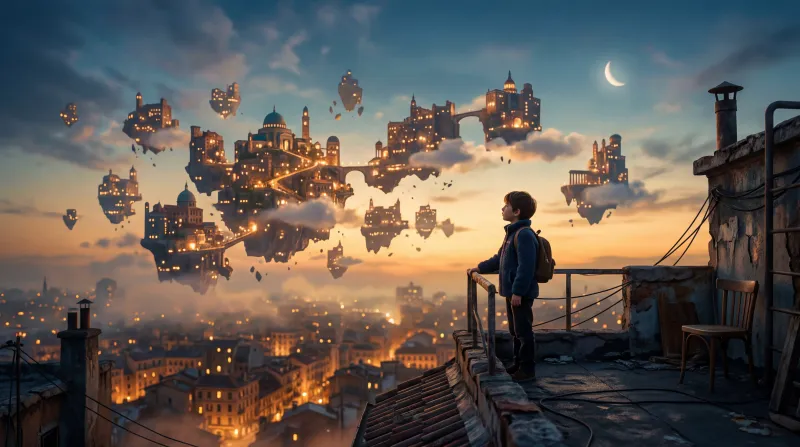 Urban Dream
A stylised, dreamlike city
Urban Dream
A stylised, dreamlike city
-
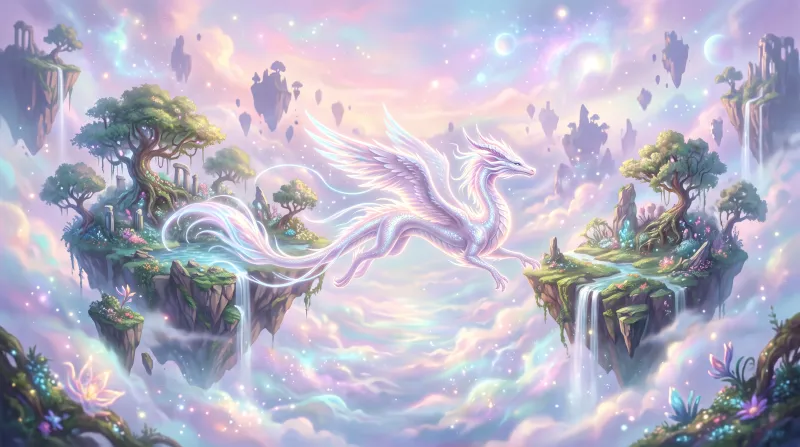 Dreamscape
Ethereal dream scenes
Dreamscape
Ethereal dream scenes
-
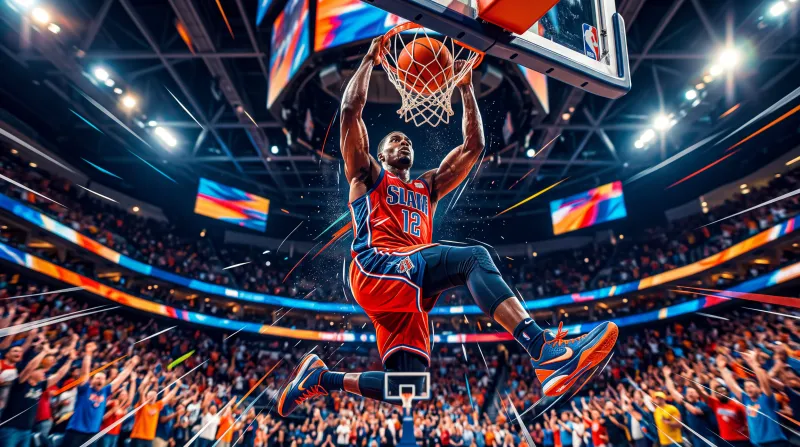 Dynamic
High-energy action composition
Dynamic
High-energy action composition
-
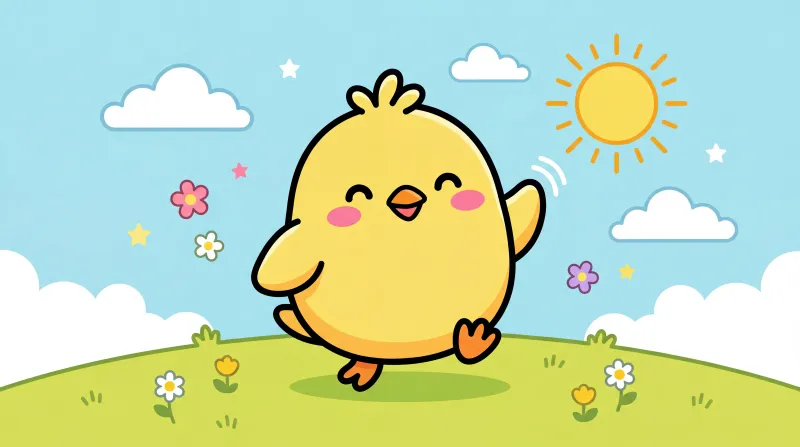 Cute Cartoon
Adorable 2D cartoon
Cute Cartoon
Adorable 2D cartoon
-
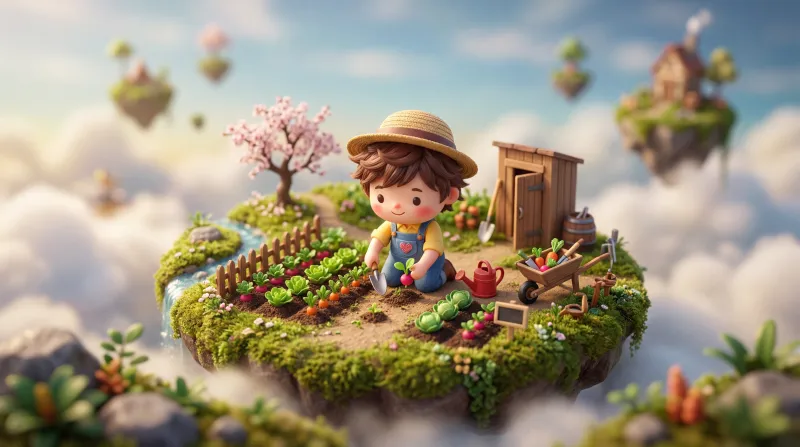 Tiny World
Chibi miniature dioramas
Tiny World
Chibi miniature dioramas
-
Claymation
Hand-modelled plasticine stop motion
-
90s Pixel
Retro videogame pixel art
-
Low Poly
Faceted low-polygon 3D
-
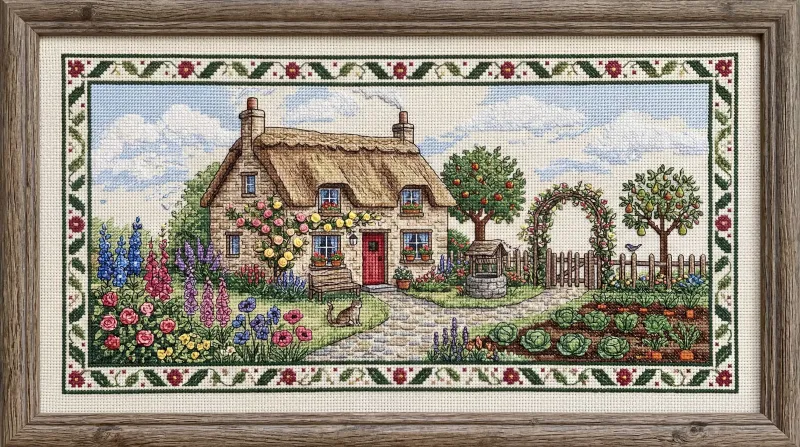 Cross Stitch
Pixelated textile embroidery
Cross Stitch
Pixelated textile embroidery
-
Epic Fantasy
Dark medieval fantasy: knights, castles, dragons
-
Anime
Modern Japanese anime
-
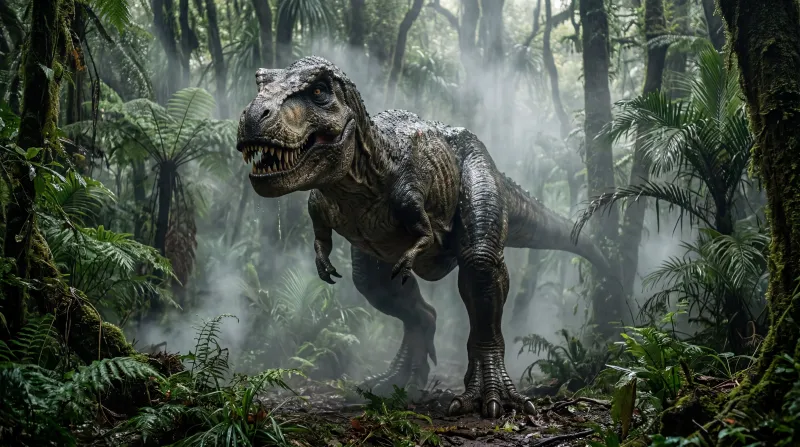 Jurassic
Photorealistic dinosaurs in the jungle
Jurassic
Photorealistic dinosaurs in the jungle
-
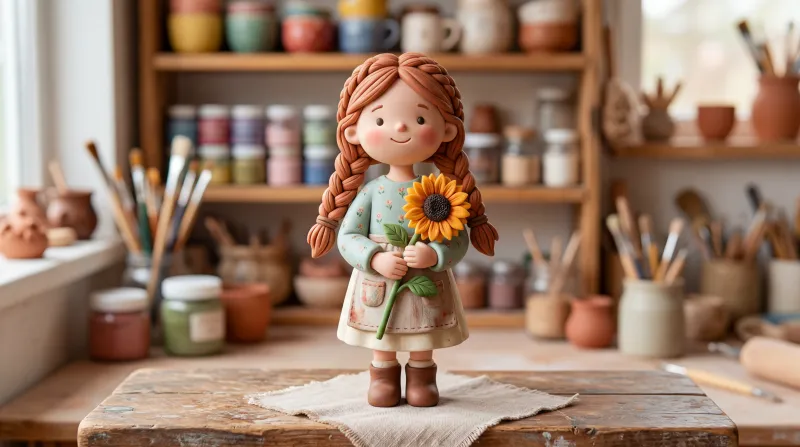 Clay
Stylised matte clay figures
Clay
Stylised matte clay figures
-
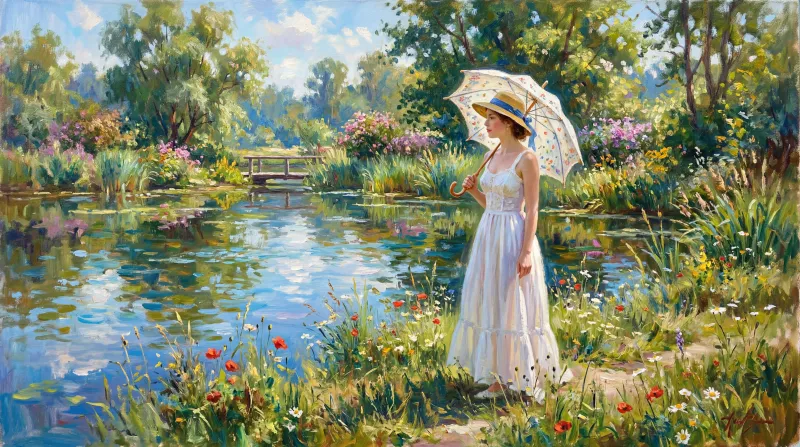 Impressionist
 brushwork, vibrant light
Impressionist
Impressionist brushwork, vibrant light
-
US Comic
US superhero comic
-
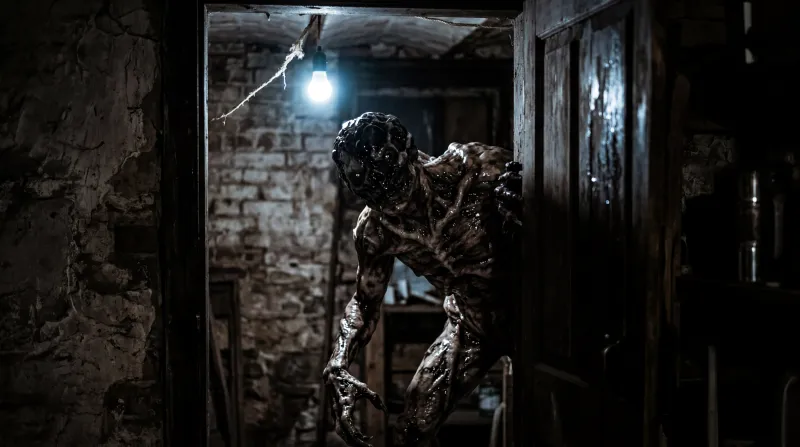 Horror
Monstrous creatures in half-light
Horror
Monstrous creatures in half-light
-
Cyberpunk
Pink and cyan neon, futuristic city
-
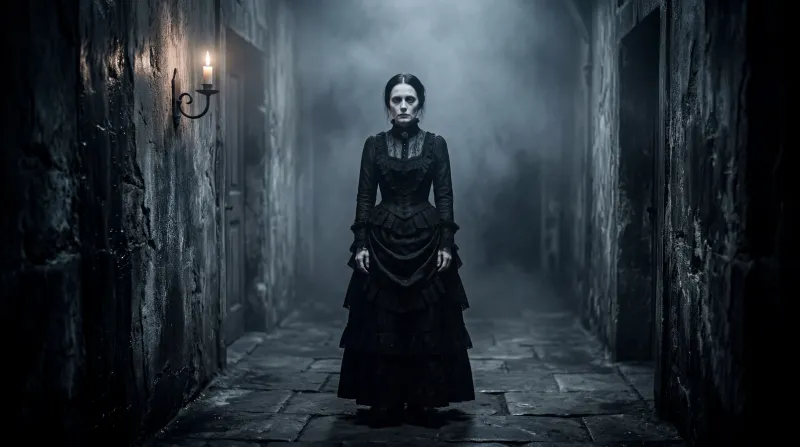 Spooky Photo
Unsettling gothic photography
Spooky Photo
Unsettling gothic photography
-
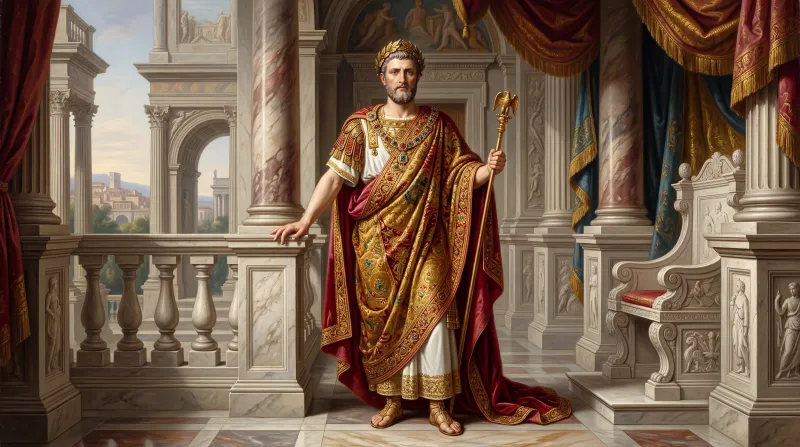 Neoclassic
Painted portraiture, 18th–19th century
Neoclassic
Painted portraiture, 18th–19th century
-
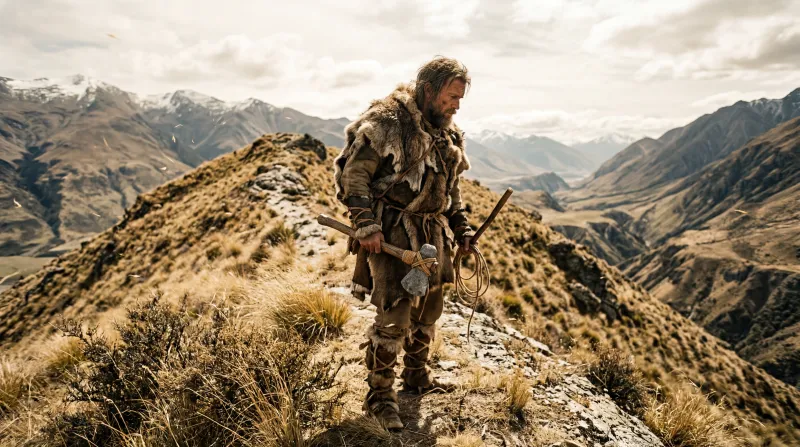 Prehistoric
Early humans, earth tones
Prehistoric
Early humans, earth tones
-
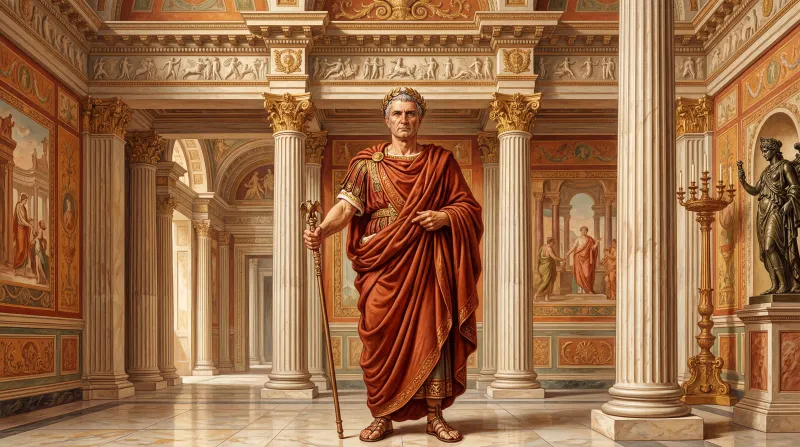 Roman Art
Greco-Roman look, laurels and marble
Roman Art
Greco-Roman look, laurels and marble
-
 Nature Photo
Macro and documentary nature
Nature Photo
Macro and documentary nature
-
Pop Art
1960s pop art, Ben-Day dots
-
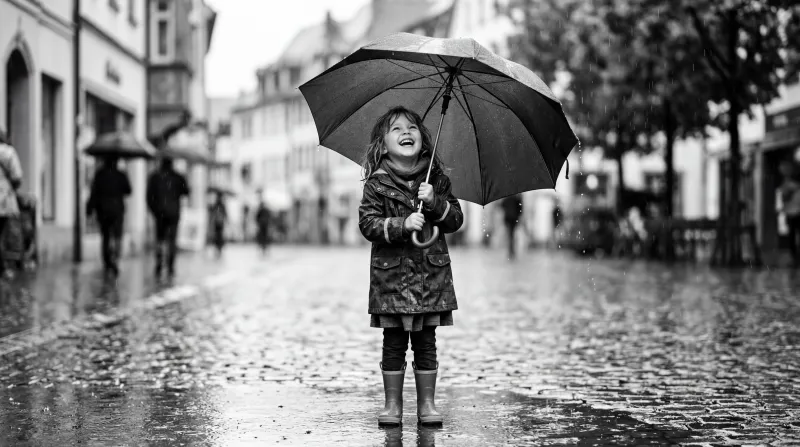 B&W Film
Grainy black-and-white photography
B&W Film
Grainy black-and-white photography
-
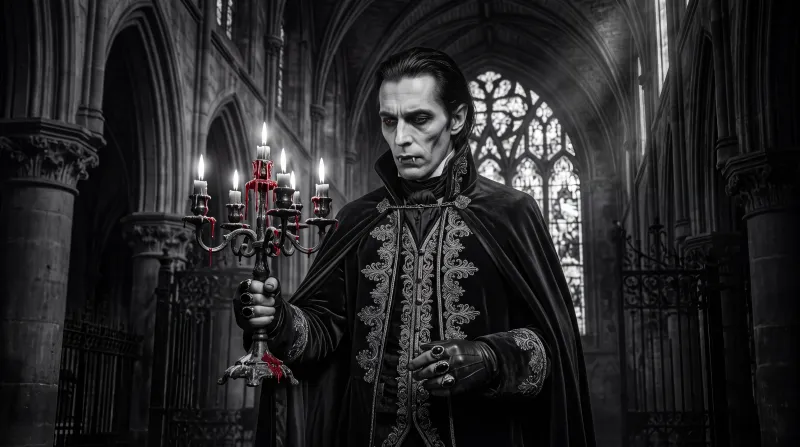 Gothic
Vampires and gothic drama in black and white
Gothic
Vampires and gothic drama in black and white
-
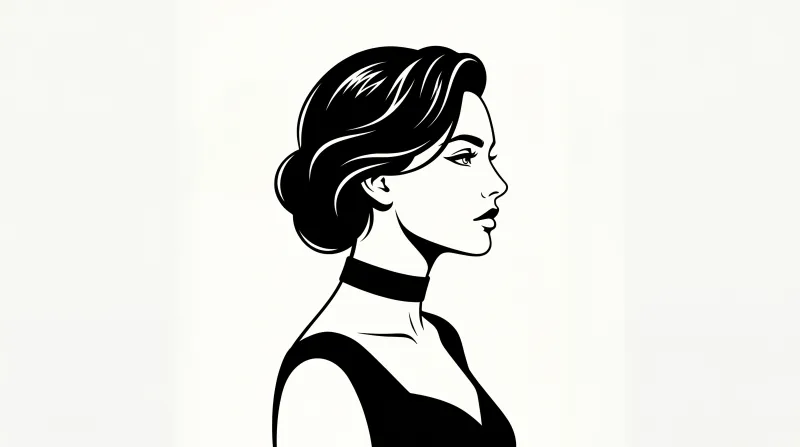 B&W Graphic
Black-and-white graphic illustration
B&W Graphic
Black-and-white graphic illustration
-
Oil painting
Classic oil painting with impasto
-
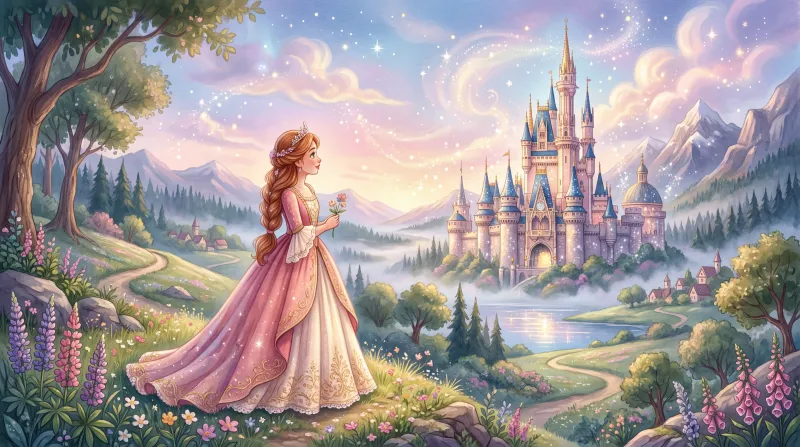 Fairy Tale
Ethereal, rose-tinted princess illustration
Fairy Tale
Ethereal, rose-tinted princess illustration
-
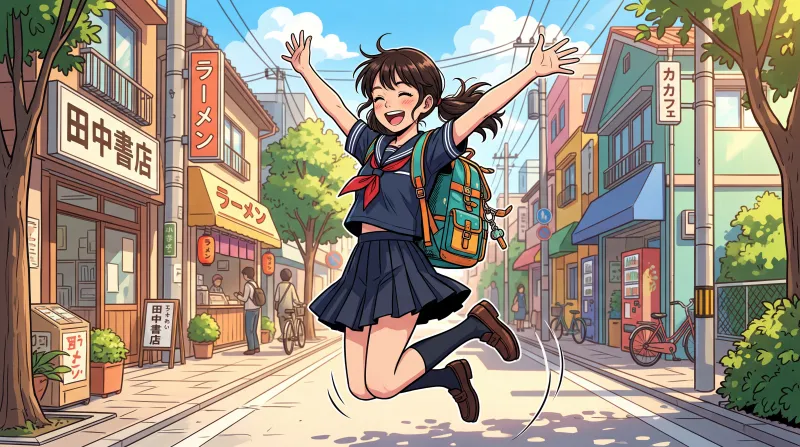 Comic
Bright, cheerful manga-comic
Comic
Bright, cheerful manga-comic
-
Dark Manga
Black-and-white horror manga
-
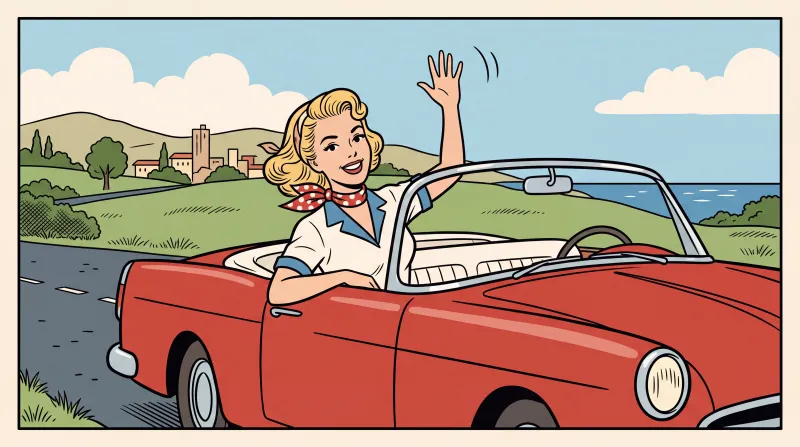 Comic Strip
Classic ligne-claire western comic
Comic Strip
Classic ligne-claire western comic
-
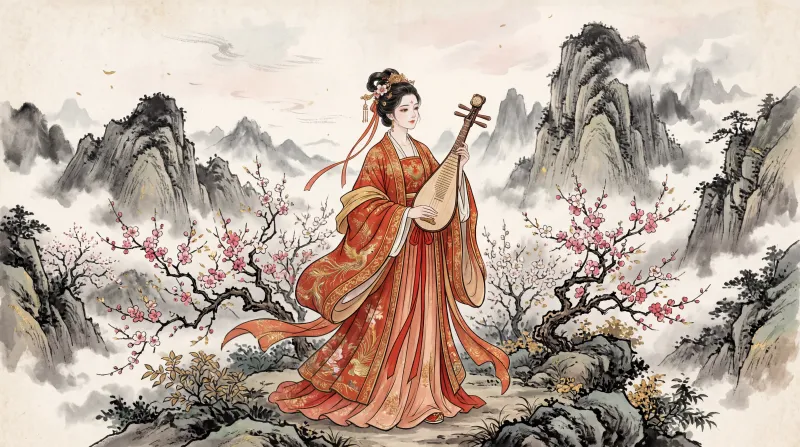 Chinese ancient
Ancient Chinese look: hanfu, ink and vermilion
Chinese ancient
Ancient Chinese look: hanfu, ink and vermilion
What to know before you choose
- The style is picked, not written. Kuak Studio applies it to every image in the video; in the script you only describe the scene.
- Images come out with no text inside, on purpose: AI draws warped letters in the wrong language. Titles and captions go on editor layers, where they read properly and can be fixed.
- Each scene is an image the editor gives camera movement to. It is not frame-by-frame animation, and saying so up front avoids expecting something else.
Can I change style halfway through a video?
Why do only twelve styles have their own page?
Do the styles differ by plan?
Are the images on this page real?
Start on the free plan
Sign in with Google and start on the free plan. No card.